
Is your building on the map? How to check, and add it to OpenStreetMap
By Zack, the maker ·
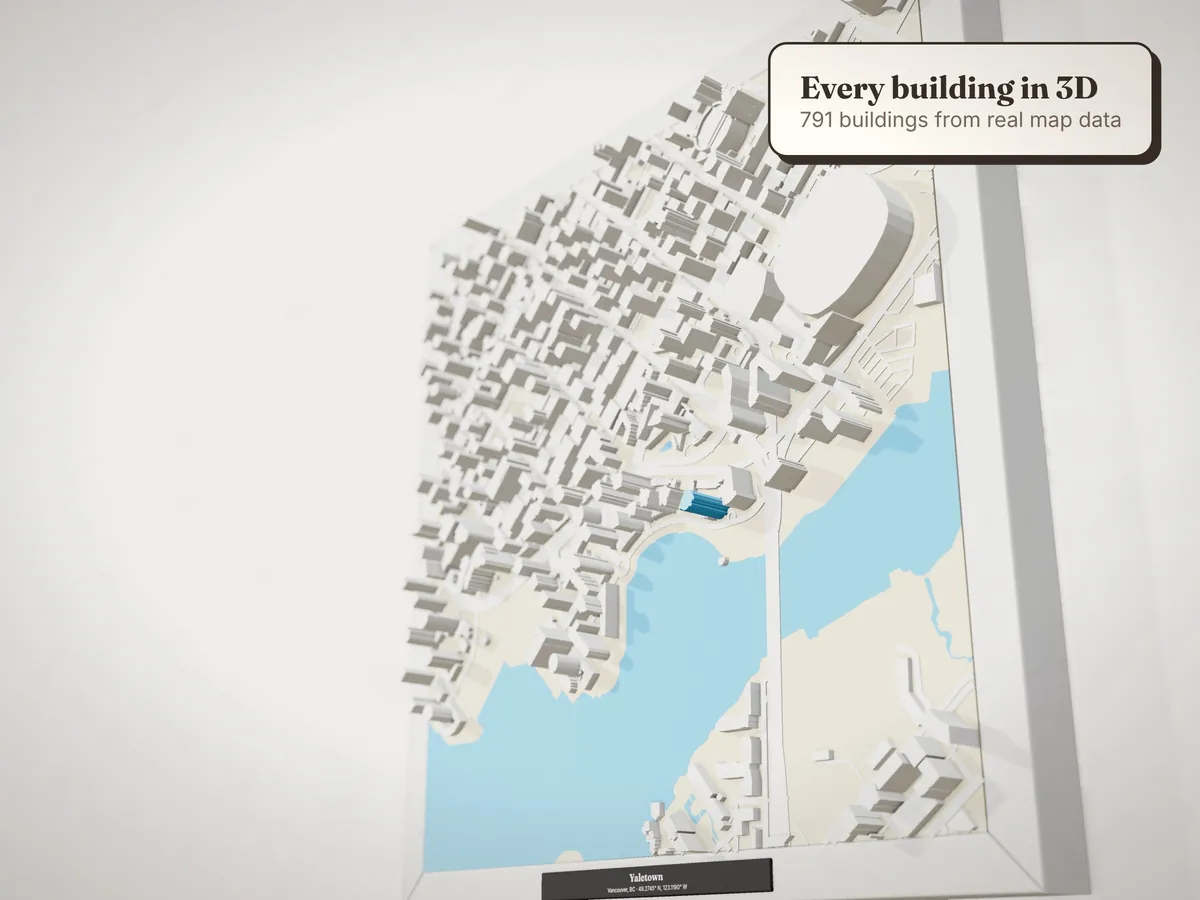
Every model we make is built from OpenStreetMap, the free map of the world that millions of volunteers keep up to date. Most buildings in Canadian and American cities are on it. Some aren't yet: a brand-new tower, a just-finished subdivision, a cabin up a back road. The good news is that you can fix that yourself, for free, in about ten minutes.
1. Check the 3D preview
Search your address in the designer and spin the preview around. Two things to look for:
- An empty lot where a building should be. The building is missing from the map.
- A building that's far too short. The map has its outline but no height. We estimate a height from its size, which works for houses but can make a 20-storey tower look like a warehouse.
If everything looks right, you're done. If not, read on.
2. Make a free OpenStreetMap account
Go to openstreetmap.org and sign up. It takes a minute and needs only an email address.
3. Open the editor
Search for your address on openstreetmap.org, zoom right in, and press Edit. That opens iD, the editor that runs in your browser. The first time, it offers a short walkthrough. It's worth the ten minutes.
4. Draw the building
Pick the Area tool
Click Area in the toolbar (or press 3).
Trace the outline
Click on each corner of the roof in the aerial photo, then click the first point again to close the shape.
Say what it is
Search for and choose Building, or something more specific like House or Apartment Building.
Add its height
In the panel on the left, fill in Levels (the number of storeys above ground), or Height in metres if you know it. This is the field that makes it stand up properly on a model. You can add levels to an existing building the same way: click it, then fill in the field.
Save
Press Save, add a short note like "Added building at 123 Main Street from aerial imagery", and upload.
The ground rules
- Only map what's really there. OpenStreetMap is a map of the world as it is, not as it's planned.
- Use the imagery in the editor and what you know yourself. Never copy from Google Maps or other maps: their licences don't allow it.
- Keep private details off the map. Building outlines, house numbers and storeys are fine. Names of the people who live there aren't.
How long until it shows up?
Your edit is live on openstreetmap.org within minutes. The map tiles our preview uses are rebuilt about once a week, so check the preview again after that.
Already ordered? Reply to your order email before we print. We check every model against the latest map data by hand and fix what we can.
Every box we ship includes a card crediting the OpenStreetMap volunteers who mapped your streets. When you add your building, you're one of them.